
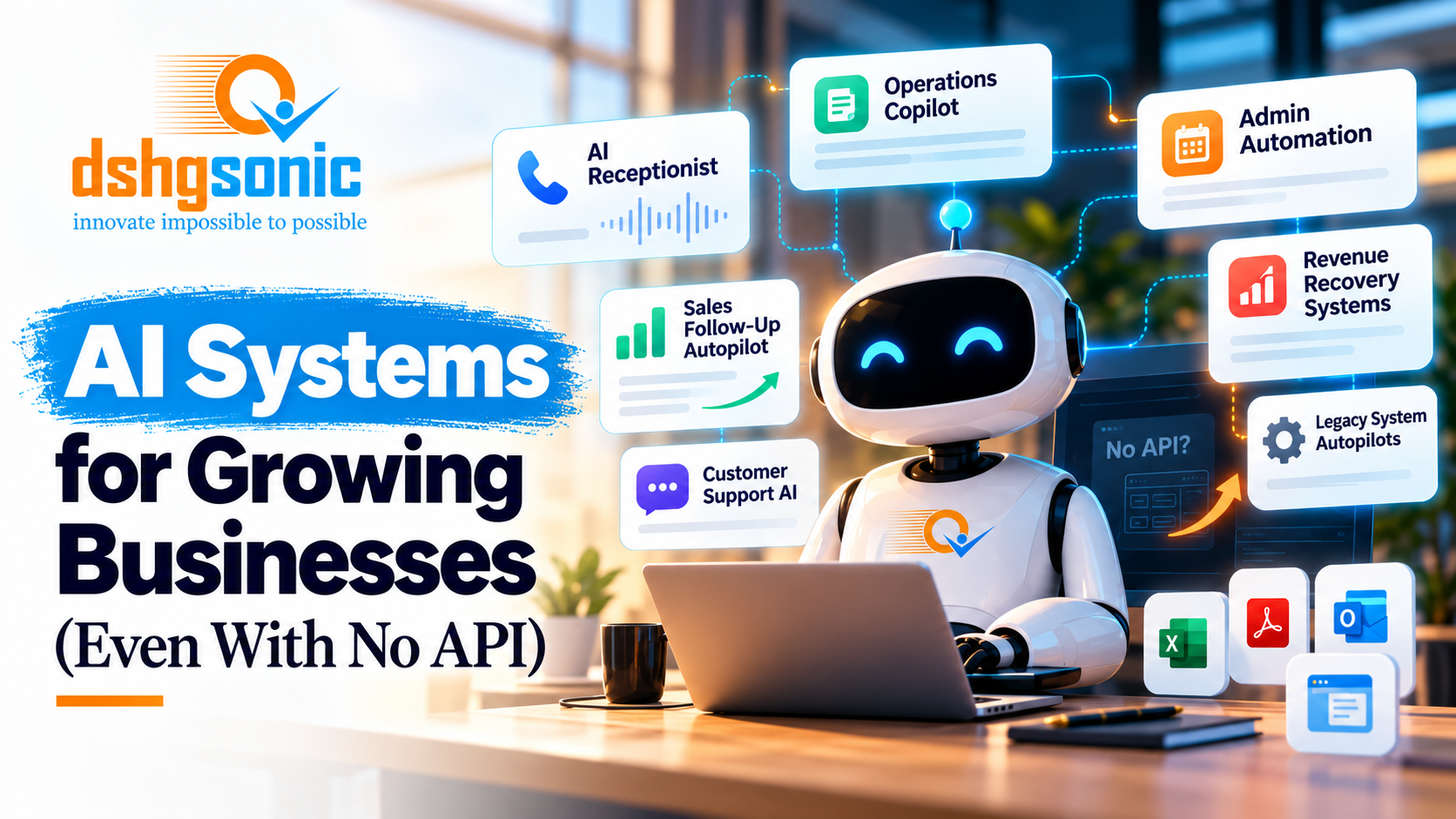
AI Systems for Growing Businesses Without APIs
AI Systems for Growing Businesses (Even With No API)

Manish Balakrishnan
Manish is the Founder and CEO of DSHG Sonic and specializes in helping founders validate startup ideas through market research, customer discovery, and strategic analysis. He believes that strong validation is the foundation of successful startups and guides entrepreneurs in identifying product-market fit before scaling.
"Learn how growing businesses can use AI receptionists, workflow automation, agents, and legacy-system integrations—even when existing software has no API."
Most growing businesses do not have an “AI problem.” They have an operations problem.
Calls are missed. Leads wait too long for a reply. Employees copy information from one system into another. Quotes are created manually. Scheduling lives in one tool while customer history lives somewhere else. A manager becomes the human API connecting software that was never designed to work together.
That is where AI becomes useful.
The highest-value AI systems are often not standalone chatbots. They are operating layers that listen, read, classify, decide within defined limits, move information, trigger workflows, and escalate to a human when the situation requires judgment.
At DSHG Sonic, we think about these as outcome systems: technology built around a business result rather than an AI feature.
This guide explains the kinds of AI systems growing businesses can deploy, what makes them production-ready, and how to automate workflows even when the software you depend on has no modern API.
Start with the leak, not the model
The wrong first question is “Should we use an AI agent?”
The better question is “Where are we losing time, money, speed, or consistency?”
For a home services company, the leak may begin with the phone. A frequently cited 2015 study of 85 small businesses found that only 37.8% of calls were answered by a live person; another 37.8% went to voicemail and 24.3% received no response. That study is old and relatively small, so it should not be treated as a universal 2026 benchmark. But it illustrates the operational problem: when a phone call represents purchase intent, an unanswered call can become lost opportunity.
More recent home-services research points to the same follow-up problem from another angle. Pied Piper Management Company reported 3,211 evaluations across 31 home-services brands in research published in 2026; a summary of the study reports that the most common outcome after an inquiry was no follow-up at all, occurring 72% of the time. Again, that does not predict the performance of every business. It shows why response workflow deserves measurement.
AI is valuable when it changes that operating reality.
1. AI receptionists and lead-response systems
An AI receptionist can answer calls, collect information, qualify the reason for the call, route urgent cases, answer approved questions, create or update a lead, schedule when appropriate, and trigger follow-up.
But “AI receptionist” is too narrow if the system stops when the call ends.
The more useful design connects the call to the rest of the revenue workflow.
A new caller can become a structured lead. The system can classify service type, location, urgency, and preferred appointment window. It can send a confirmation text. It can alert a human when the request falls outside approved rules. If the caller does not book, it can start a follow-up sequence. If a call is missed, it can respond quickly instead of waiting for someone to notice a voicemail hours later.
The business outcome is not “we have a voice bot.” The outcome is faster response, fewer lost inquiries, more consistent intake, and less manual work.
2. AI follow-up autopilots
Many companies do not lose the lead on the first contact. They lose it between contacts.
Someone fills out a form. A salesperson plans to reply later. A quote is sent but nobody follows up. A customer says “call me next week” and disappears into a note field.
A follow-up autopilot can watch those states and trigger the next approved action.
It might send an immediate acknowledgment, create a task for a salesperson, generate a personalized draft, schedule a reminder, detect that a quote has not been answered, or escalate a high-value lead.
The key is governance. The system should know what it may send automatically, what requires approval, and what should never be generated without a human.
That distinction becomes more important as AI systems become capable of taking actions rather than merely producing text.
3. Workflow automation across disconnected tools
A growing company often accumulates software one department at a time.
Marketing has one system. Sales has another. Scheduling has another. Accounting has another. Operations may rely on spreadsheets, email, and a legacy platform that nobody wants to replace because it still performs a critical function.
Employees compensate by retyping information.
This is one of the clearest automation opportunities because the business already has a repeatable process. The work is simply being performed by people instead of software.
An AI-enabled workflow can extract information from emails or documents, classify it, validate required fields, update the appropriate system, notify the right person, and keep an audit trail.
AI is useful when the inputs are messy. Traditional automation works well when every input is structured. AI can help when the company receives free-form emails, PDFs, transcripts, notes, photos, or natural-language requests that need to be converted into structured data before the workflow continues.
4. Document and inbox intelligence
Many businesses operate from shared inboxes.
Orders arrive by email. Requests arrive as attachments. Customers send forms with missing information. Employees read each message, determine what it means, copy fields into another system, and decide who should handle it.
AI can perform the first-pass interpretation.
A production system might classify the message, extract key fields, check whether required information is present, identify the customer, create a record, route the case, and draft a response. If confidence is low or the message falls into a sensitive category, the system can stop and request human review.
This is where AI should behave less like a magical employee and more like a controlled operating layer.
5. Internal copilots
Not every AI system should act autonomously.
Sometimes the highest-value design is a copilot that helps an employee make a faster decision.
An internal copilot can search approved company knowledge, summarize account history, surface relevant procedures, draft responses, compare documents, or help employees navigate a complex process.
The difference between a useful copilot and a generic chatbot is context and control. It should know which sources it is allowed to use, show where information came from when appropriate, respect user permissions, and avoid inventing an answer when the source material does not support one.
For sensitive workflows, “I don’t know” is a feature.
6. AI agents with human checkpoints
AI agents can take multi-step actions: retrieve information, make a bounded decision, call a tool, update a system, and continue.
That capability is powerful, but production agents need boundaries.
What can the agent do without approval? What dollar amount requires a human? Which customer communications can be sent automatically? What happens when a tool fails? What if the model receives conflicting instructions? How is every action logged? How can a human stop the process?
At DSHG Sonic, we view agent governance as part of the system architecture, not an afterthought.
An agent should have a defined job, defined tools, defined permissions, defined escalation rules, and a clear point where human judgment takes over.
What if your software has no API?
This is one of the most common objections to automation.
Modern software usually exposes an API, webhook, integration marketplace, or export mechanism. No API’ does not always mean ‘no custom automation.’ It means the integration strategy changes.
“No API” does not always mean “no automation.” It means the integration strategy changes.
There are several options, and the safest choice depends on the system.
Option 1: use an available export or import path
A system may not have a public API but may support CSV exports, scheduled reports, email notifications, file drops, or structured imports.
Those mechanisms can be enough to automate part of the workflow without touching the user interface.
Option 2: use database or vendor-approved access
Some legacy applications allow direct database access or provide an integration method that is not publicly documented. When available and contractually permitted, this is usually preferable to screen automation.
The goal is to use the most stable supported interface available.
Option 3: use browser or desktop automation
When no programmatic interface exists, a controlled automation can interact with the same screens a human uses.
This is sometimes called robotic process automation or computer-use automation. The system can log in, navigate to a record, enter information, download a file, or trigger a workflow.
This approach can work, but it is more fragile than an API. User interfaces change. Buttons move. Sessions expire. Pop-ups appear. Therefore, browser automation needs monitoring, error handling, screenshots or logs, and a clear human fallback.
Option 4: place an automation layer around the legacy system
Sometimes the best answer is not to force every action through the old software.
A new lightweight layer can capture information, apply AI, manage workflow state, and synchronize only the fields the legacy system actually needs.
This reduces the number of times the automation must interact with the old interface.
The architecture matters more than the demo
A demo can be impressive while the production system is unsafe.
A production AI system needs authentication, permissions, logging, observability, retries, validation, cost controls, model fallbacks, data handling rules, and clear human escalation.
If the AI produces structured data, validate the structure. If it can take actions, constrain the tools and permissions. If it communicates with customers, define approved behavior. If it uses sensitive data, define what can leave the system and which vendors are allowed to process it.
The most important engineering often happens around the model.
Measure the baseline before automating
If you want AI to create a business outcome, measure the current process first.
How many calls are missed? How long does first response take? How many leads receive no second follow-up? How many employee hours are spent re-entering information? How long does a quote take to produce? How many cases are delayed because information is missing?
Without a baseline, the company can launch an impressive system and still be unable to answer whether it worked.
The measurement does not need to be perfect. It needs to be consistent enough to compare before and after.
Where should a growing business start?
Start with a workflow that is repetitive, valuable, measurable, and currently painful.
Good candidates often have a clear trigger and a clear next action: an inbound call, a web lead, a new email, a quote request, an appointment request, a document upload, a status change, or a recurring administrative task.
Avoid beginning with the most complicated process in the company. The goal of the first automation is to create a measurable win and learn how AI fits the organization.
Once the company trusts the system, the automation layer can expand.
AI should reduce work, not create another dashboard to manage
A common failure mode is adding AI as one more tool employees have to remember.
The better design fits into the existing workflow. If employees live in a CRM, put the output there. If the company runs through email and scheduling software, connect to those systems. If a manager needs exceptions rather than every transaction, send only the exceptions.
The system should absorb coordination work rather than create more coordination work.
What DSHG Sonic means by an AI outcome system
An AI outcome system begins with a measurable business problem.
The solution may include AI, conventional software, workflow automation, integrations, voice, agents, data pipelines, or browser automation. The technology mix is secondary.
The primary question is whether the system moves a business number: labor hours, response time, conversion, recovered revenue, throughput, error rate, or another metric that matters.
That framing also helps avoid unnecessary AI. If a deterministic rule solves the problem better, use the rule. If a standard API integration is enough, use the integration. AI should be used where it creates leverage, not where it creates novelty.
Final takeaway
Growing businesses do not need AI everywhere. They need it in the places where information is messy, decisions are repetitive, response speed matters, and employees are acting as glue between disconnected systems.
AI receptionists, follow-up autopilots, document intelligence, internal copilots, and governed agents can all create value when they are connected to real workflows.
And legacy software does not automatically block automation. When there is no API, the architecture can use exports, vendor-approved access, browser automation, or a new workflow layer around the old system.
The goal is not to make the business look more “AI-powered.” The goal is to make it respond faster, operate with less manual effort, and capture value that is currently leaking through the gaps.
Frequently asked questions
Can AI automate software with no API? Often, yes. Options include exports/imports, database or vendor-approved access, browser automation, and an external workflow layer. The right choice depends on reliability, permissions, and risk.
What is the best first AI automation for a small or growing business? Start with a repetitive, measurable workflow tied to revenue, labor, response time, or customer experience.
Are AI receptionists only for answering calls? They are more valuable when connected to lead capture, qualification, scheduling, CRM updates, and follow-up.
Should AI agents be fully autonomous? Not by default. Define permissions, logging, escalation rules, and human checkpoints based on the risk of the action.
Sources for cited statistics
MyFast.ai — Missed Call Statistics: What the Research Actually Says
BeepBack summary of Pied Piper home-services follow-up research